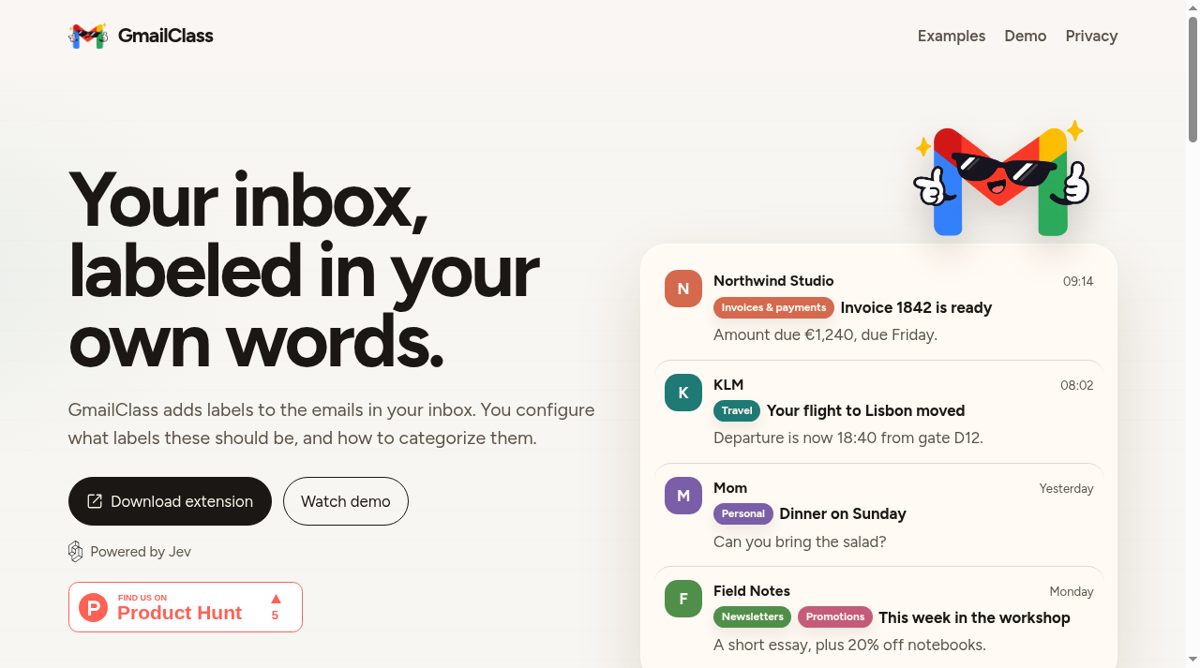
GmailClass is a Chrome extension that classifies the message rows already visible in Gmail and displays its own category chips beside them. A person describes the categories they care about, then chooses the probability threshold at which a chip should appear. Each category is evaluated independently, so the same visible message can fit more than one description. Color choices help distinguish mail that deserves attention from mail that is less relevant.
The setup requires installing the extension, creating a TypeSafe API key, adding that key to GmailClass and enabling classification before reloading Gmail. Its Jev-powered classification is not local inference. The privacy policy says enabled requests can send the displayed sender, subject, snippet and date, along with category instructions and optional priority context, to TypeSafe using the saved key. The key staying in the browser does not mean that the message metadata stays there. The policy says message bodies and attachments are not read.
The chips should not be confused with native Gmail labels or mailbox automation. The policy explicitly says the extension does not apply Gmail labels, send mail, delete, archive or mark messages as read. It is a reading aid rather than an automatic inbox-cleanup service. Classification remains off until the key and disclosure steps are completed, while optional extension analytics has a separate opt-in. This makes GmailClass relevant to people who want categories expressed in their own words, provided they are comfortable with the stated third-party metadata processing and API requirements.