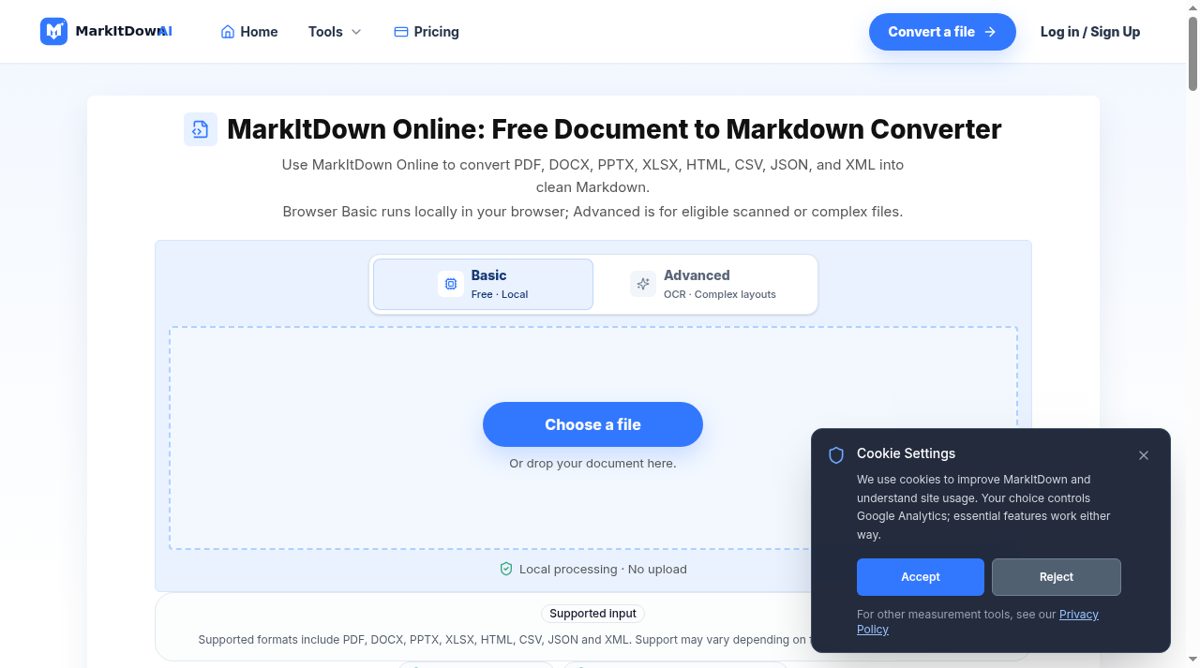
MarkItDown Online is an independent browser document-to-Markdown converter. Its supported input list includes PDF, DOCX, PPTX, XLSX, HTML, CSV, JSON and XML. The default Browser Basic mode processes a single supported local file in the browser, with the page showing a ten-megabyte limit. The result can be previewed, copied or downloaded as a Markdown file for notes, documentation or later text-analysis workflows.
The service distinguishes readable document structure from pixel-perfect reproduction. It aims to preserve headings, paragraphs, lists, simple tables and links where the source contains usable text. Multi-column pages, text boxes and unusual reading order still need review. Browser Basic does not provide OCR for image-only PDFs. An Advanced option is described separately for eligible scanned or complex files, requires sign-in and has its own upload and retention notice; availability is not promised for every account.
The site explicitly states that it is not the official Microsoft MarkItDown website. It links the name to Microsoft's open-source Python converter while separating this web experience from a developer installation. It also says it does not offer persistent file hosting, public sharing or remote downloads, and does not promise ZIP, batch, audio or image conversion. That narrower scope is important when choosing a workflow. Sensitive documents should be assessed against the selected mode, rather than assuming that every option keeps processing local. For a quick supported file, the browser route avoids a Python setup; repeatable automation and broader package capabilities belong to a separately configured developer workflow. Converted Markdown should be checked before it is treated as an accurate record of the original.