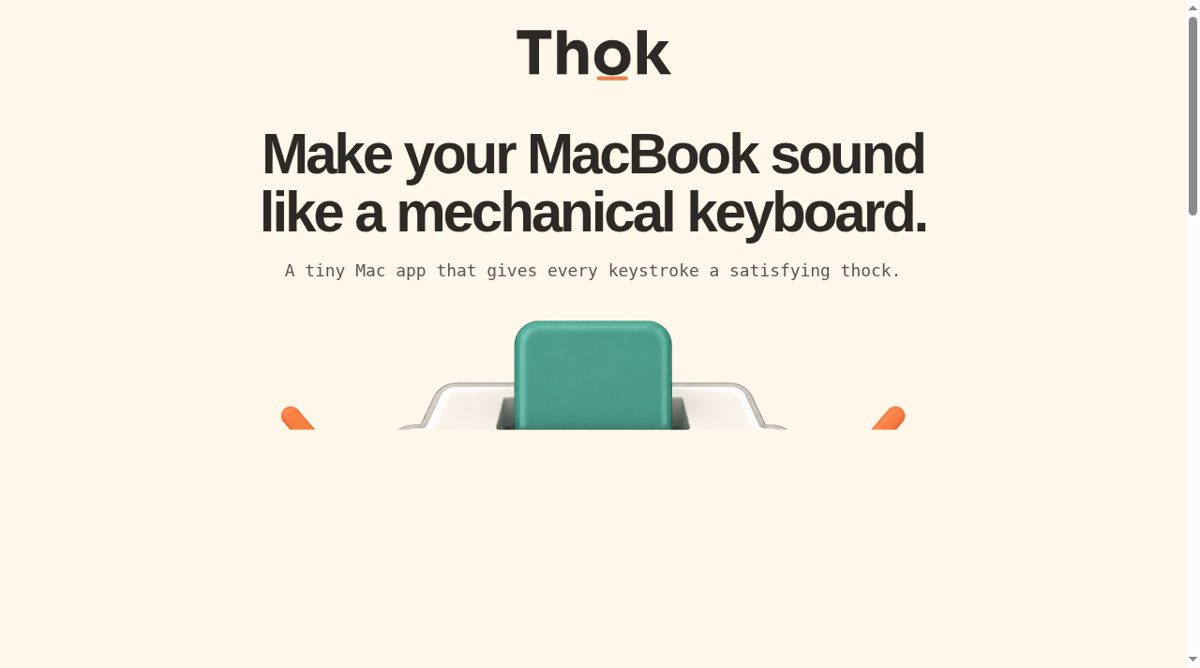
Thok is a small Mac application that adds a mechanical-keyboard-style sound to typing. Rather than changing the keyboard itself, it plays a sound in response to a physical key press. The site describes spatial positioning that matches where a key sits, giving the effect more shape than a single repeated click. A compact menu-bar panel provides the controls for enabling sounds, adjusting volume and previewing the effect.
The application is designed as a focused sound utility rather than a typing tutor, text recorder or keyboard remapper. Its homepage explains why macOS asks for Input Monitoring: the application needs to respond to key presses while another app is active. According to the developer, Thok uses physical key codes to choose and position sounds, does not read typed characters or store key events, and does not need an account. The site also states that the Mac app has no analytics or network access.
Those privacy statements describe the developer's published behavior, not an independent inspection of an installed binary. A user should read the current privacy page and macOS permission prompt before enabling a utility that reacts to keyboard activity. The sound effect may be appealing during personal work but distracting in shared spaces, calls or recordings, so the readily available volume and on/off controls matter. Thok's purpose is deliberately narrow: making typing feel and sound different without purchasing a mechanical keyboard. Compatibility and the current App Store listing should be checked for the intended Mac before installation, and the effect should be judged through a preview rather than assumed from the word mechanical.