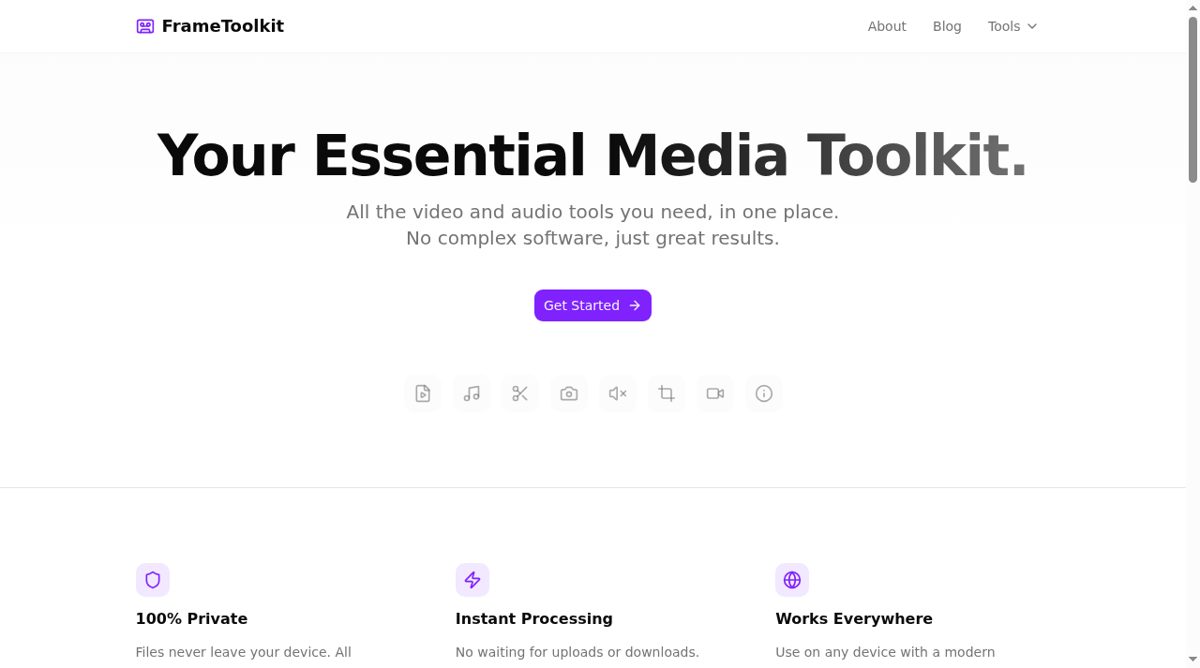
FrameToolkit is a collection of browser-based tools for working with video, audio, images and common media tasks. Its homepage groups the tools by type and lets visitors open an individual task without creating an account. Video options include trimming, cropping, rotation, removing an audio track, extracting frames and converting formats. Separate routes cover turning a video clip into a GIF and combining still images into an animated GIF.
The audio tools include conversion, extraction from a video and trimming. For images and screenshots, FrameToolkit lists background styling, shape cropping and captions. A media recorder can work with screen, webcam or audio input, while other utilities inspect metadata or remove location, camera and descriptive fields. The collection also includes microphone testing, QR code generation and barcode generation. This makes it useful for small preparation jobs that do not justify opening a full editing application.
The site states that file processing happens locally in the browser and that files do not leave the device for these operations. That is a description of the intended processing model rather than a guarantee about every browser, extension or analytics request. Media work can still be limited by the browser, available memory, source codecs and file size. A format listed on a converter page does not mean every possible file using that container will behave identically. Visitors should try the relevant tool with a copy of the source and inspect the output, including duration, dimensions, audio and metadata, before replacing an original. FrameToolkit is best approached as a convenient set of focused utilities rather than a substitute for every advanced desktop editing workflow.