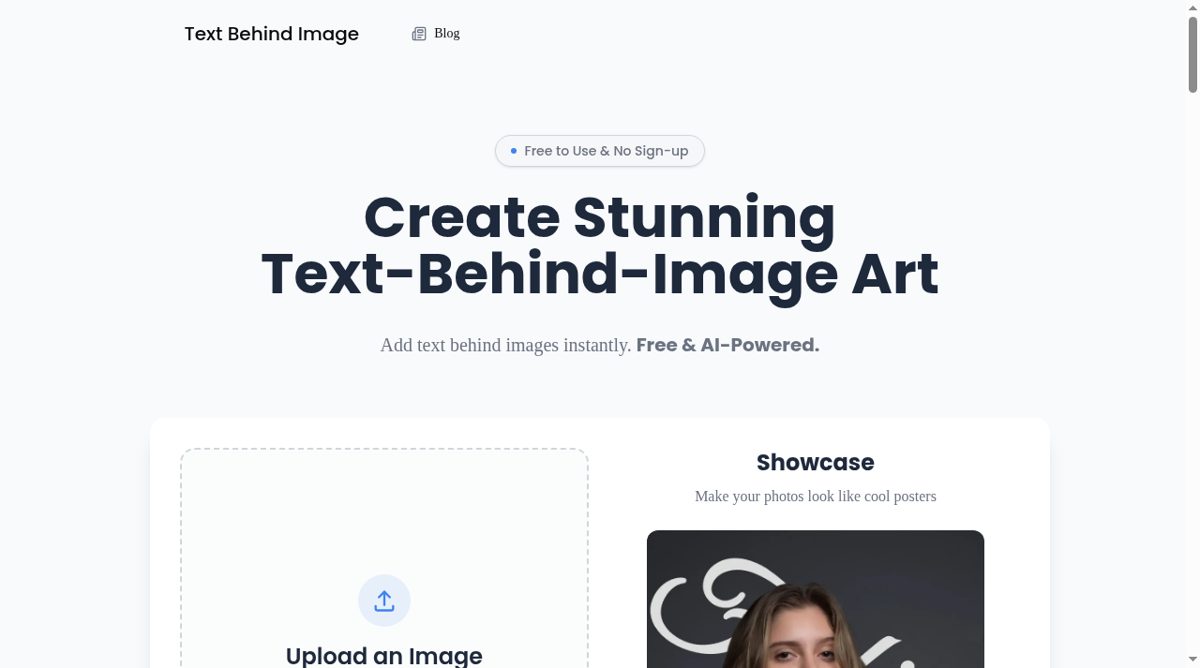
Text Behind Image is a browser editor for creating a layered text effect in a photo. The intended result places words behind a detected person or object while leaving the subject in front, producing a poster-like sense of depth. The homepage accepts an image through file selection or drag and drop and names JPG, PNG and WebP inputs with a 10 MB size limit. It also provides sample images so a visitor can explore the visual style before choosing their own file.
The editor describes automatic subject detection together with font choices, size, color, opacity, rotation and stroke controls. Text can be repositioned and adjusted with a live preview, and the site lists PNG and JPG downloads. Preset font collections offer starting points for the layered layout. The current page states that the editor is free, does not require signup and does not add its own watermark to downloads. These are current service terms, not a promise that the product will remain unchanged.
The site says selected images are processed locally in the browser rather than intentionally uploaded to its servers for editing or storage. Its privacy explanation separately allows limited technical, analytics and advertising data, so local editing should not be confused with a claim that no network activity occurs. A clear subject helps an automatic mask, but hair, transparent objects and busy backgrounds may need close inspection. Readability still depends on contrast, crop and how much of a word is hidden. The tool does not supply rights to an uploaded photo, font, trademark or person's likeness. It is useful for experimenting with social graphics and posters, with the final composition and permission checks left to the creator.