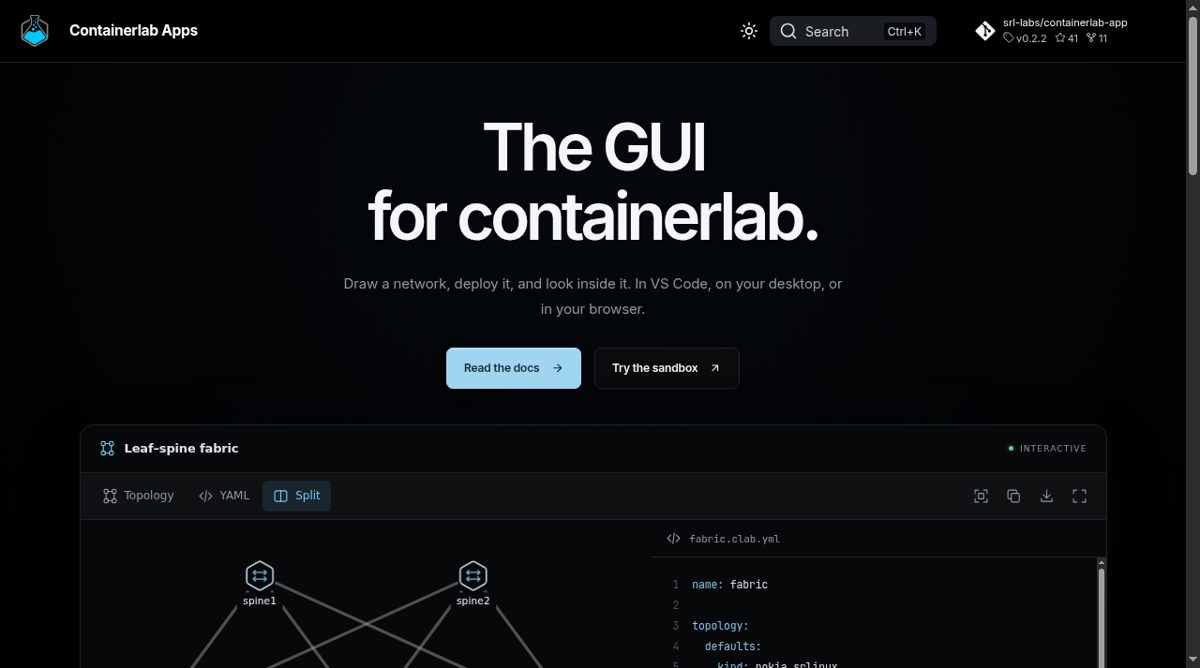
Containerlab Apps provides a graphical interface for containerlab network labs. The homepage presents a workflow that starts with drawing nodes and links or editing YAML, then moves into deployment and troubleshooting. The topology file remains the source of truth, with the visual and text views kept in sync rather than requiring users to maintain two independent descriptions of the same network.
The interface describes deploying a lab, applying changes, redeploying and destroying it, with access to node shells, SSH sessions and logs. It also offers packet capture on links and controls for introducing delay, jitter, loss or rate limits. These features support a practical cycle of building a topology, observing its traffic and deliberately changing conditions to study the result.
The project has VS Code, desktop and web routes. Its architecture places labs on Linux alongside Docker; a desktop or browser interface is a way to reach those hosts, not a replacement for the lab infrastructure. The homepage also describes exports such as SVG diagrams and Grafana dashboards, shared labs and embedded diagrams. Network engineers evaluating it should check the documentation for their host, container images and access requirements. It is most useful when a visual editor and inspection tools can reduce the friction of working with an existing containerlab workflow.