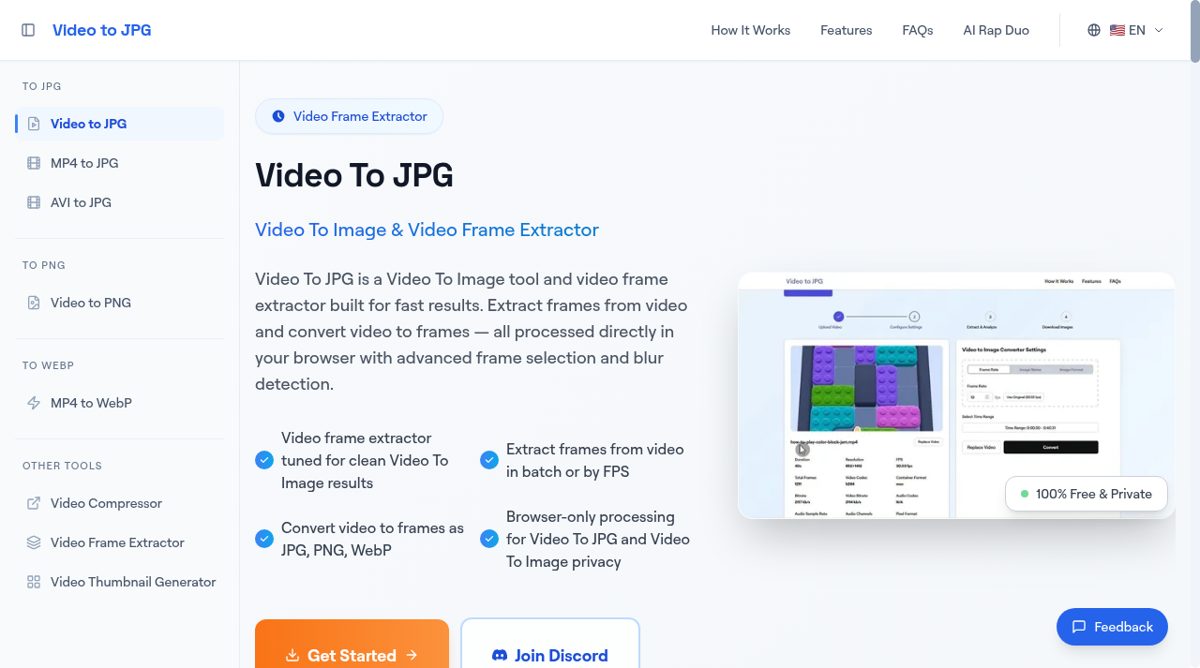
Video to JPG is a browser-based tool for turning video frames into still images. Users can select a local file, choose a time range and set how many frames to extract per second. The output can be saved as JPG, PNG or WebP, with controls for image quality and file-name prefixes. The site also offers a thumbnail generator and dedicated conversion pages for common video formats.
The tool describes local processing rather than sending uploaded videos to a conversion server. It shows video metadata, offers sharpness-based frame filtering and lets users preview or exclude images before downloading individual files or a ZIP archive. Video URLs are supported when the source permits browser access. Higher-resolution or longer videos can require more device memory and processing time, so compatibility and speed depend on the source file and browser. It is a focused option for getting reference frames, thumbnails or image sequences without opening a full video editor.