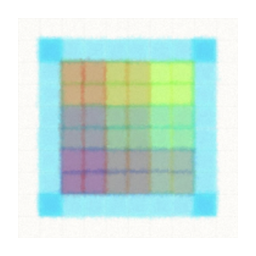
Pixels.style is a small in-browser drawing tool for making watercolor-style pixel art. Instead of hard-edged classic pixels, strokes blend with soft, washed edges, so the grid reads as paint rather than mosaic. The whole app is a single canvas page: open the site and start drawing, with no account or download.
The toolbar covers the essentials for pixel work: a freehand brush, flood fill, a paper eraser, line, square, circle and triangle shape tools, a hand pan tool and zoom from fine to overview. Palettes switch the color set, and finished pieces export directly as an image. A fullscreen mode clears the interface away, and a spline option changes the stroke behavior for smoother curves.
It suits quick sketches, game sprite concepts, icons and the kind of loose pixel painting that heavier editors overcomplicate. Because there is nothing to set up, it also works well as a classroom or demo tool: share the link and everyone is drawing in seconds.