
magick.css
Minimalist CSS for Wizards
About magick.css
magick.css — Minimalist CSS for Wizards. It was shared on Show HN in 2024 and received 305 upvotes on Hacker News. magick.css is magically playful, yet simple styling. all in one file. Albus Greybeard, On the Virtues of Mystical Marginalia , 1132 Fundamentals magick.css is a minimalistic, (mostly) classless CSS framework that is designed to be easy to use and easy to understand. It is contained in a single file, and every choice is commented. It is inspired by LaTeX , old school TTRPG rulebooks, CSS frameworks like concrete.css and Tufte CSS and the "usability as design" ethic of brutalism. How to use magick.css magick.css works best with normalize.css , using it is strongly recommended! The easiest way to check out magick.css for your own project is to add it from a CDN. There are some cool features that you can use, though; just scroll down to discover them! This page is a good example of how to do this. You will find it used from time to time on this page. Should you want to elaborate on a point, or provide additional context, you can use magick.css's sidenotes. You can find out more about this in the Extras section below. Typography Here is a showcase of the typography that magick.css offers: Heading 1: A title bold and grand, the story's gate. Underlined secrets, subtly hinted, Small, yet mighty, our words are minted. Headings below
Community AMA
Ask the founder anything!
No questions yet. Be the first to ask!
Community Perks
Check back soon for exclusive offers
We're cooking up something special with 'magick.css' to bring you exclusive perks!
The kitchen is busy - amazing deals are coming soon! 🔥
You Might Also Like...

Pages CMSA CMS for GitHub
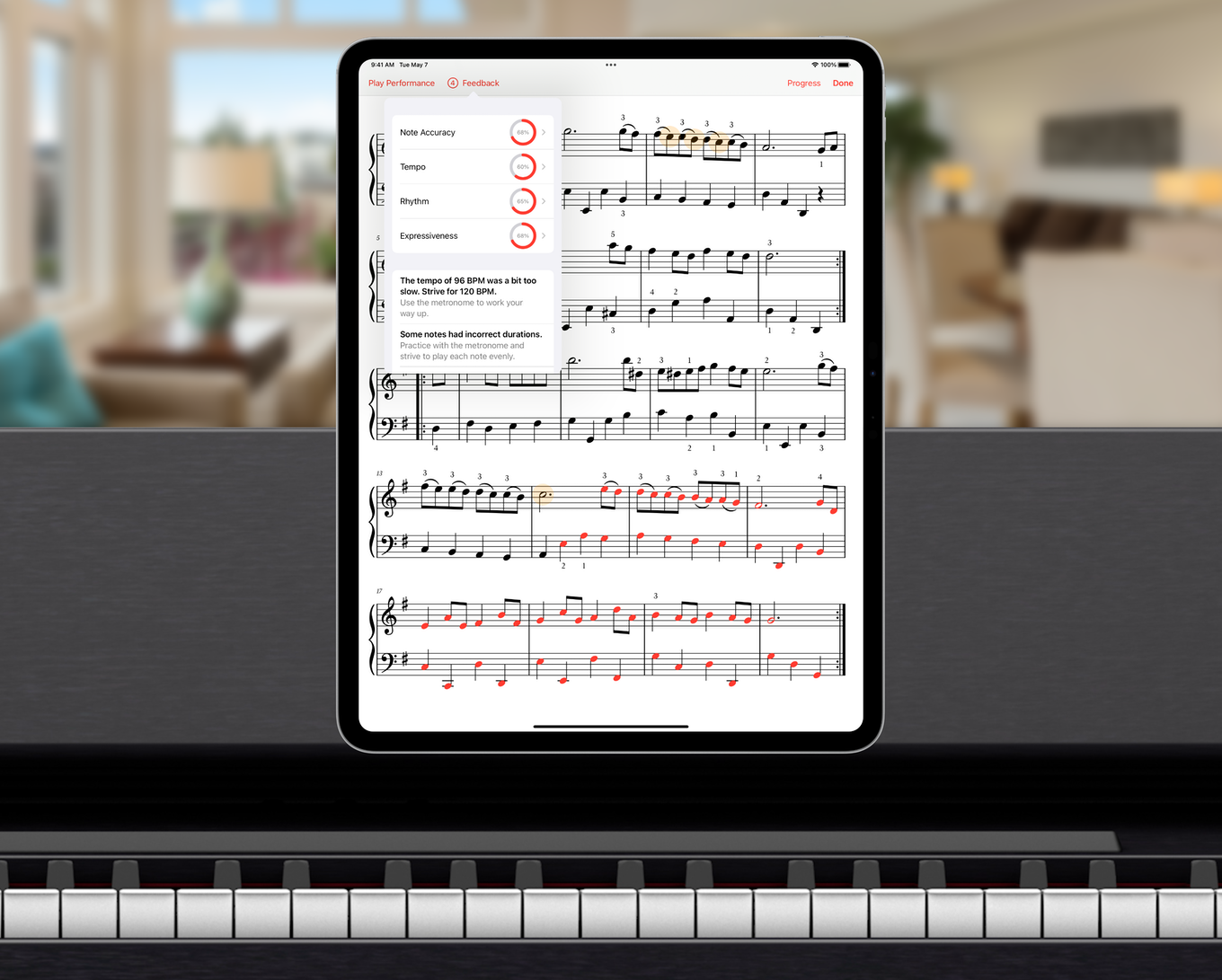
Hanon Propiano technique and exercises for the digital age
MemoriesFOSS Google Photos alternative built for high performance
MofiContent-aware fill for audio to change a song to any duration
Alternatives to magick.css: Pages CMS, Hanon Pro, Memories, Mofi · Compare all alternatives ›